Livewire Injection Stopper
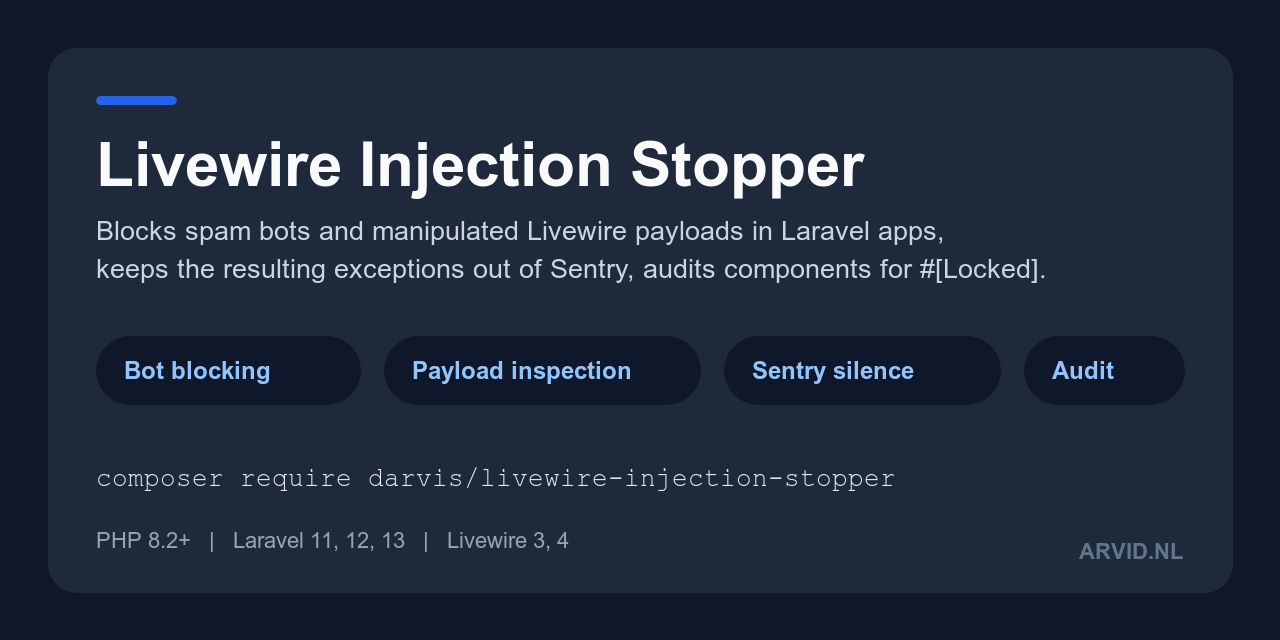
darvis/livewire-injection-stopper is a Laravel package with a middleware (code that runs on a request before your route does) that rejects requests from listed User-Agents, listed IP addresses, and Livewire update requests that send an array to a property that should hold a single value. It also keeps two bot-driven Livewire exceptions out of your error tracker, and ships an artisan command that lists public Livewire properties that probably need #[Locked].
Who it is for
A Laravel application that uses Livewire and sees scripted traffic: log lines from python-requests or curl, or CannotUpdateLockedPropertyException reports in Sentry caused by replayed Livewire requests.
What it does not do
- It does not stop a bot that sends a browser User-Agent. The User-Agent is a string the client chooses.
- It does not validate values. A request that changes
pricefrom100to0.01passes; only#[Locked]or your own validation stops that. - It lets arrays through that are sent under a nested key such as
form.tags, and it does not inspect anything on a whitelisted path. - It does not cover routes outside the
webmiddleware group, such asroutes/api.php, unless you add the middleware there. - It is not a web application firewall, a rate limiter or a CAPTCHA.
The full list is on How it works.
Requirements
PHP 8.2+, Laravel 11, 12 or 13, and Livewire 3 or 4.
Install
composer require darvis/livewire-injection-stopper
php artisan livewire-injection-stopper:audit
php artisan vendor:publish --tag=livewire-injection-stopper-config
The first line is enough: the middleware joins the web group when the package boots. The second line lists properties to lock. The third is optional and writes config/livewire-injection-stopper.php. See Installation for the steps and for how to check that it works.
Pages
- Installation: the steps, and two commands that prove the package is active
- Quick start: lock a property, run the audit, and count blocked requests, as one complete example
- How it works: the four checks in order, what a block looks like, and what the package does not stop
- Bot blocking: User-Agents, IP addresses, whitelisted paths, the response, the log line and the event
- Payload injection: the rules for Livewire update requests and the two silenced exceptions
- Security audit: what the audit command scans, its literal output and its limits
- Configuration: every config key with its default
- Testing: test your own app with the package installed, without external calls
- Troubleshooting: a legitimate request is blocked, nothing is blocked, Sentry still reports the exception
- FAQ: short answers to common questions